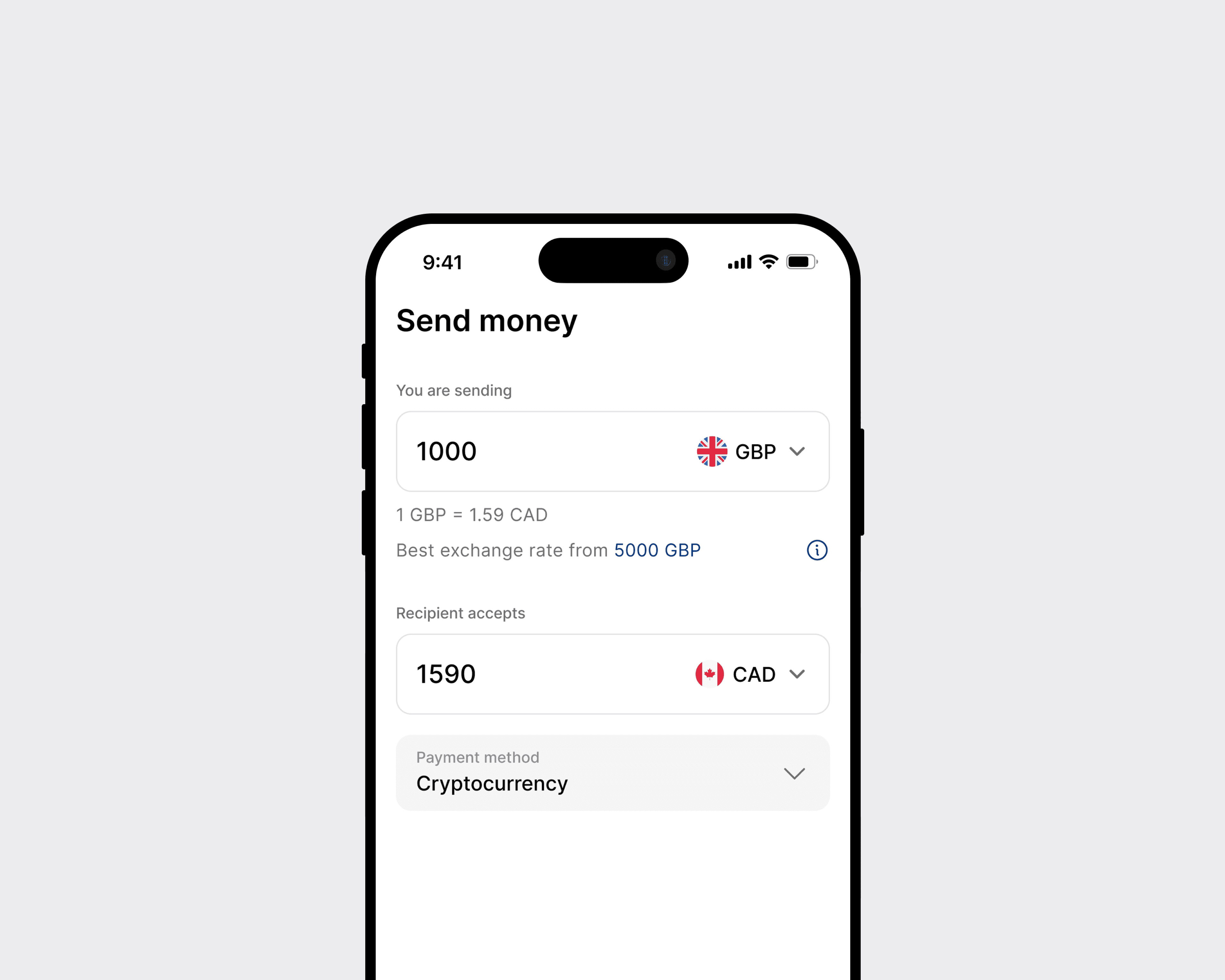
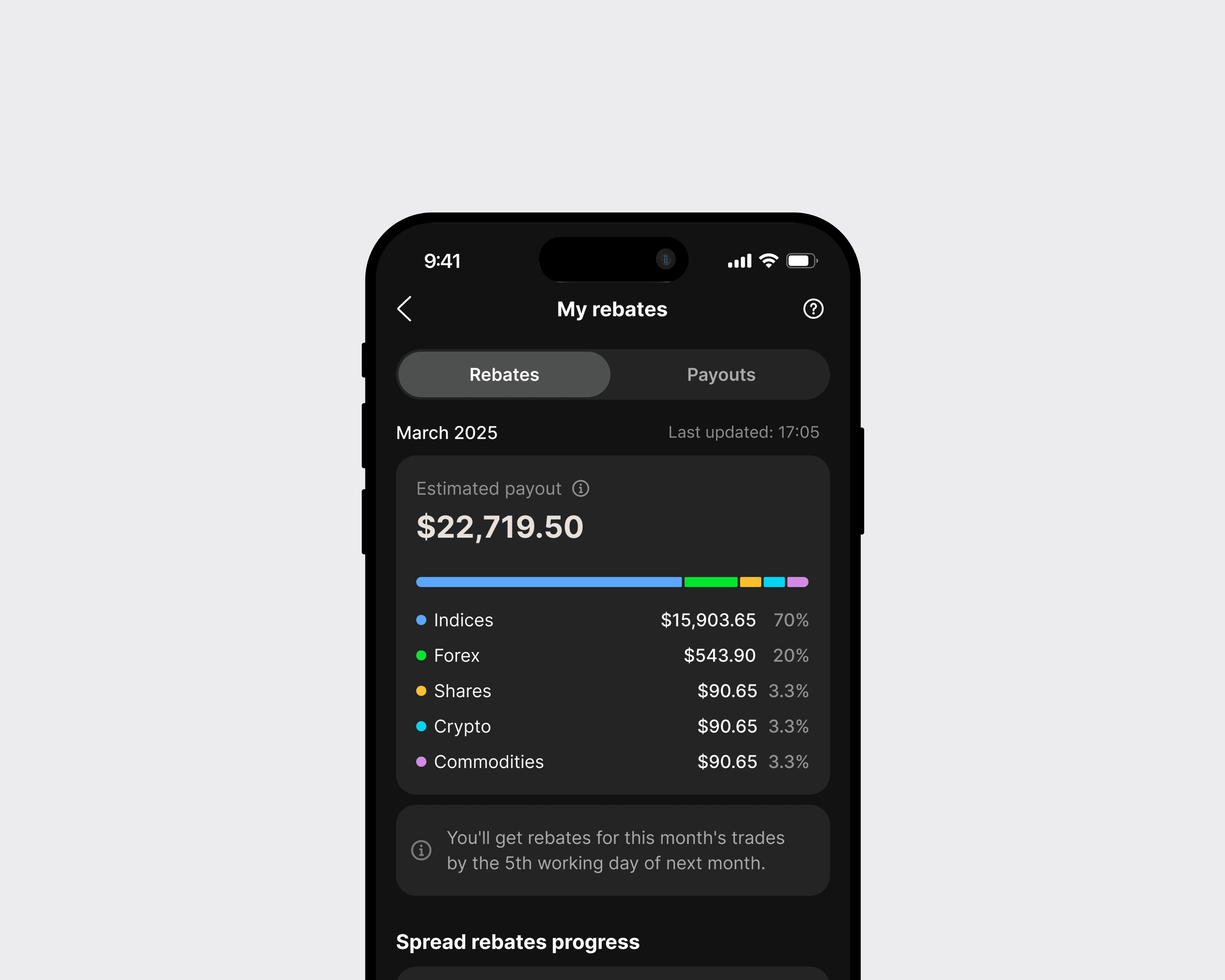
Aqua Voice design system
Industry
AI
Tools
Figma, Codex
Role
Product designer
Overview
Aqua Voice is an AI-powered voice tool that lets users write text by speaking instead of typing.
Aqua Voice had several issues:
Aqua Voice was built entirely on code without design
No centralized source of truth
No documentation on how to use all the UI elements
Inconsistent UI patterns across screens
Lack of design tokens (colors, spacing, typography)
No standardized component states (hover, active, error, loading)
Goal
The goal was to establish a scalable design system that brings consistency, clarity, and efficiency to the product. This included defining a single source of truth for styles, components, and interaction patterns, improving collaboration between design and development, and enabling faster, more reliable delivery of new features while maintaining a cohesive user experience.
The process
Primitives
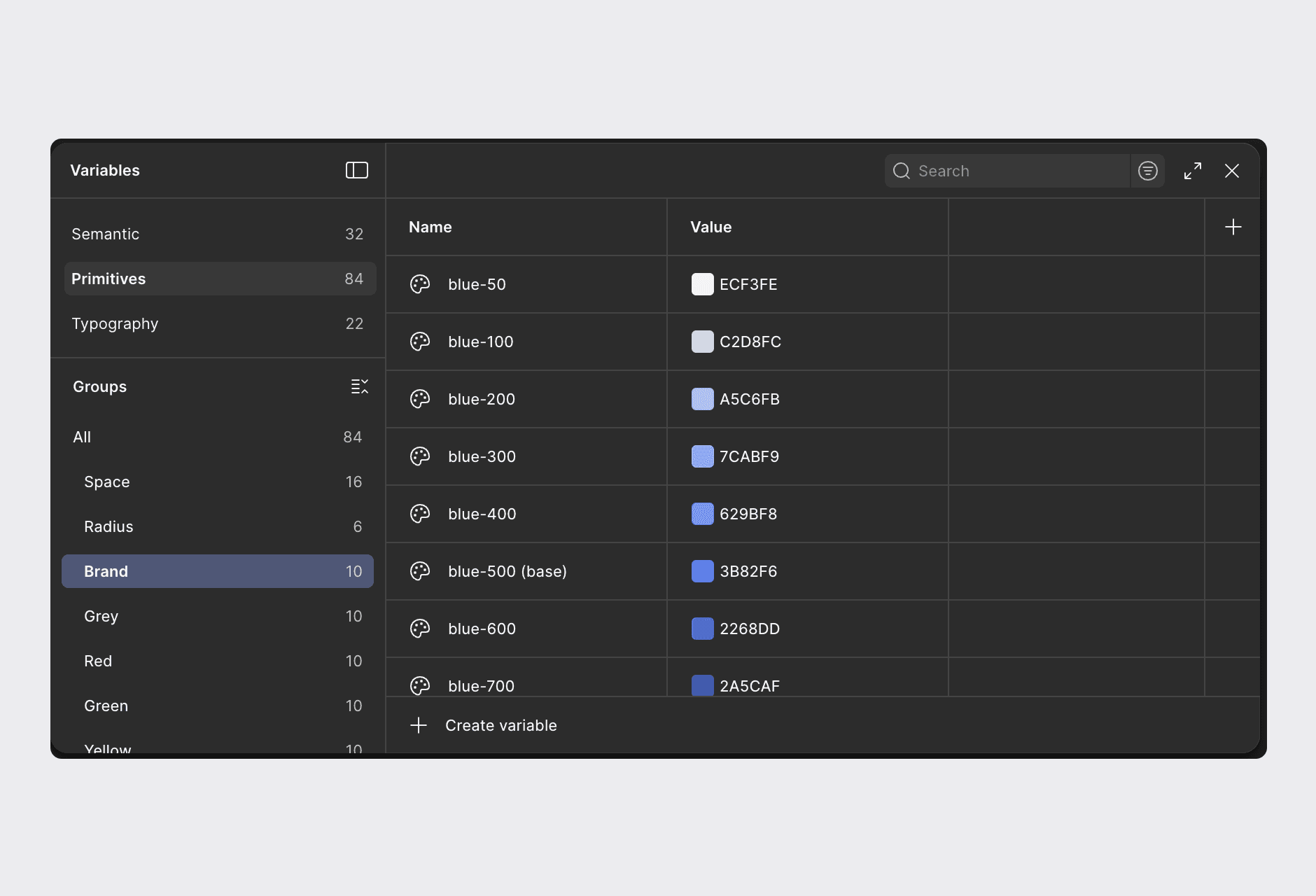
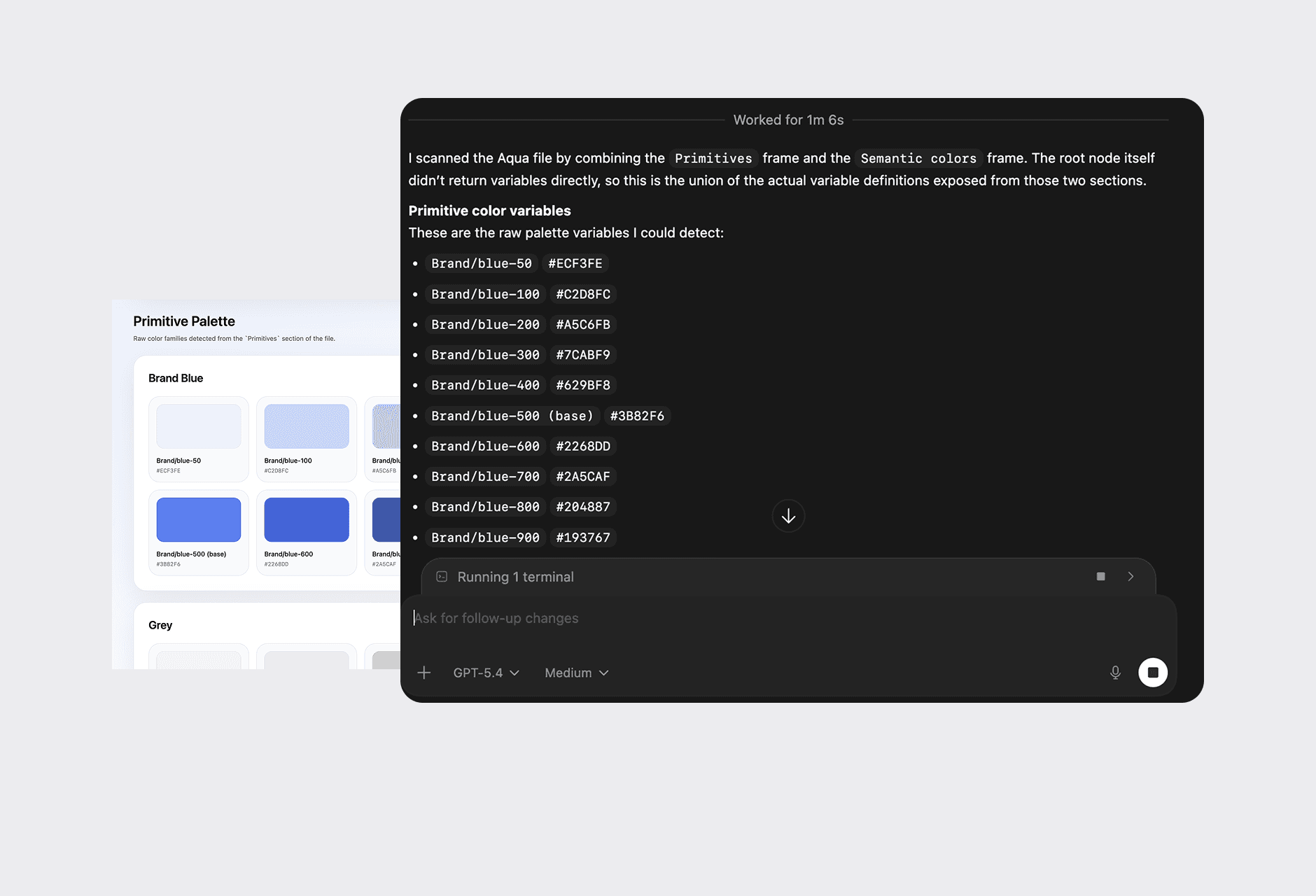
I created a set of core primitive variables, including colors, spacing, radius, and other foundational design tokens that serve as the base for the entire system.
Documenting Primitives with AI
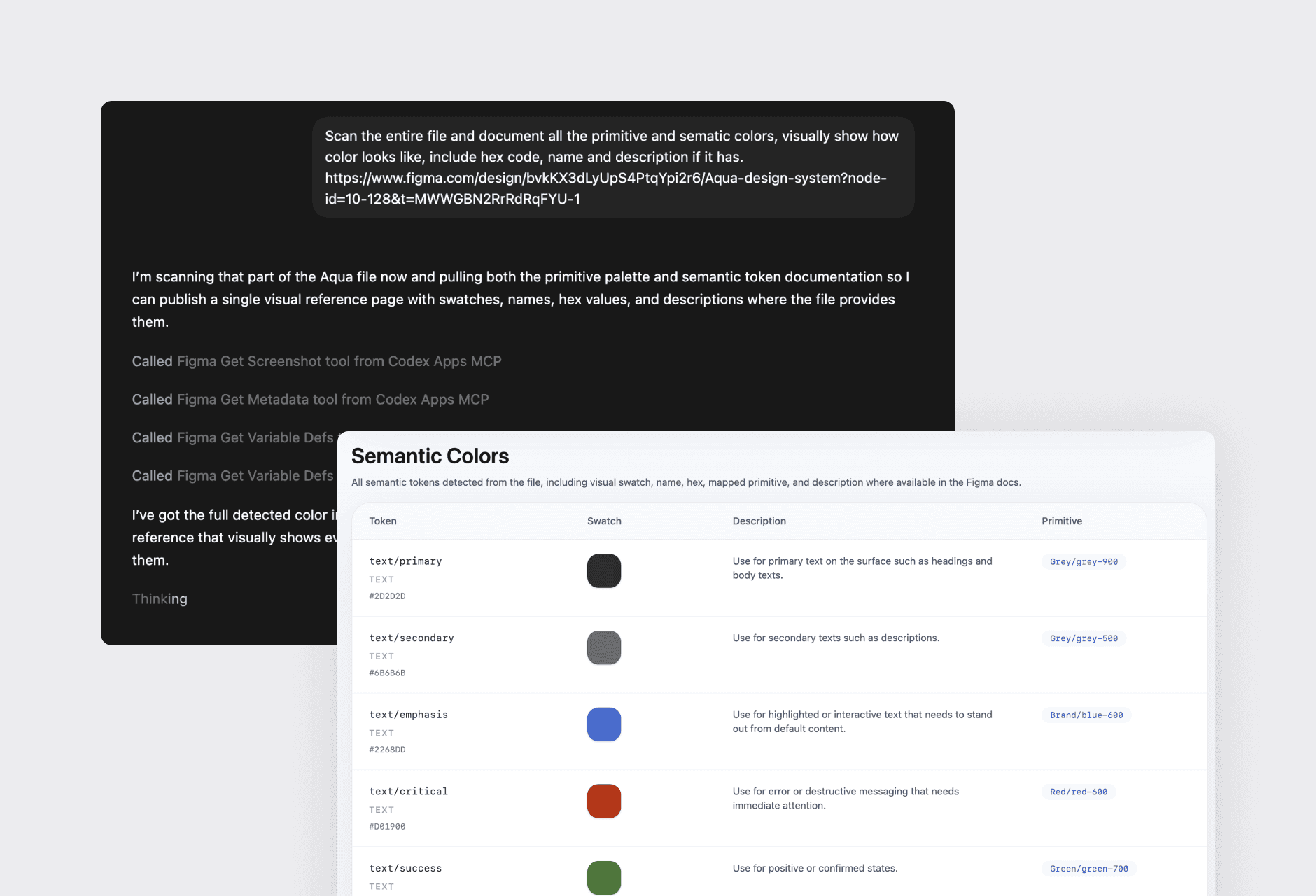
Used Codex to generate structured documentation for design tokens, including naming, hex values, and clear descriptions.
Typography tokens
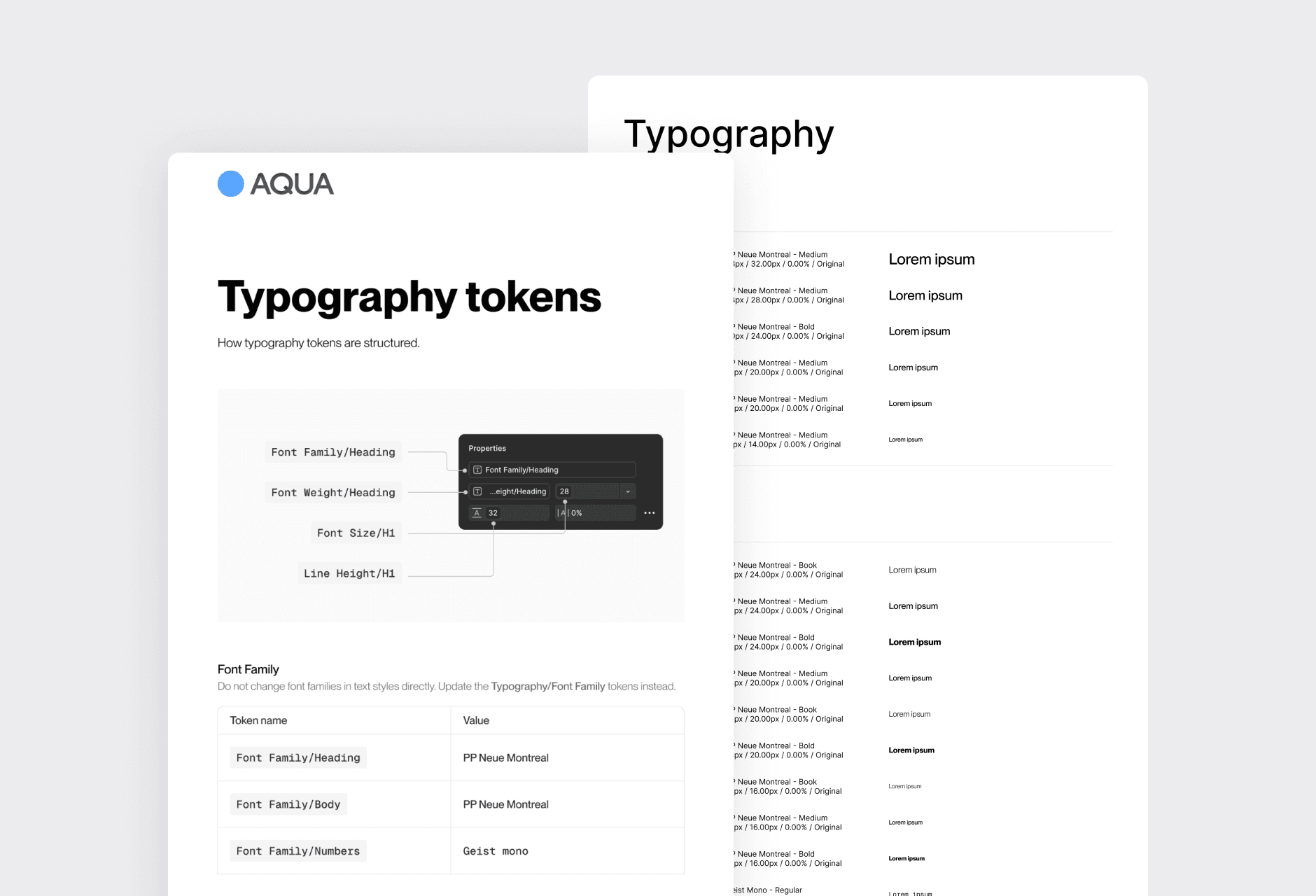
I used variables for all typography properties, including size, letter spacing, line height, font family, and font weight. This ensures consistency across the entire system. For example, updating the font family automatically propagates through all text styles, which then update across all components, making global changes faster.
Spacing tokens
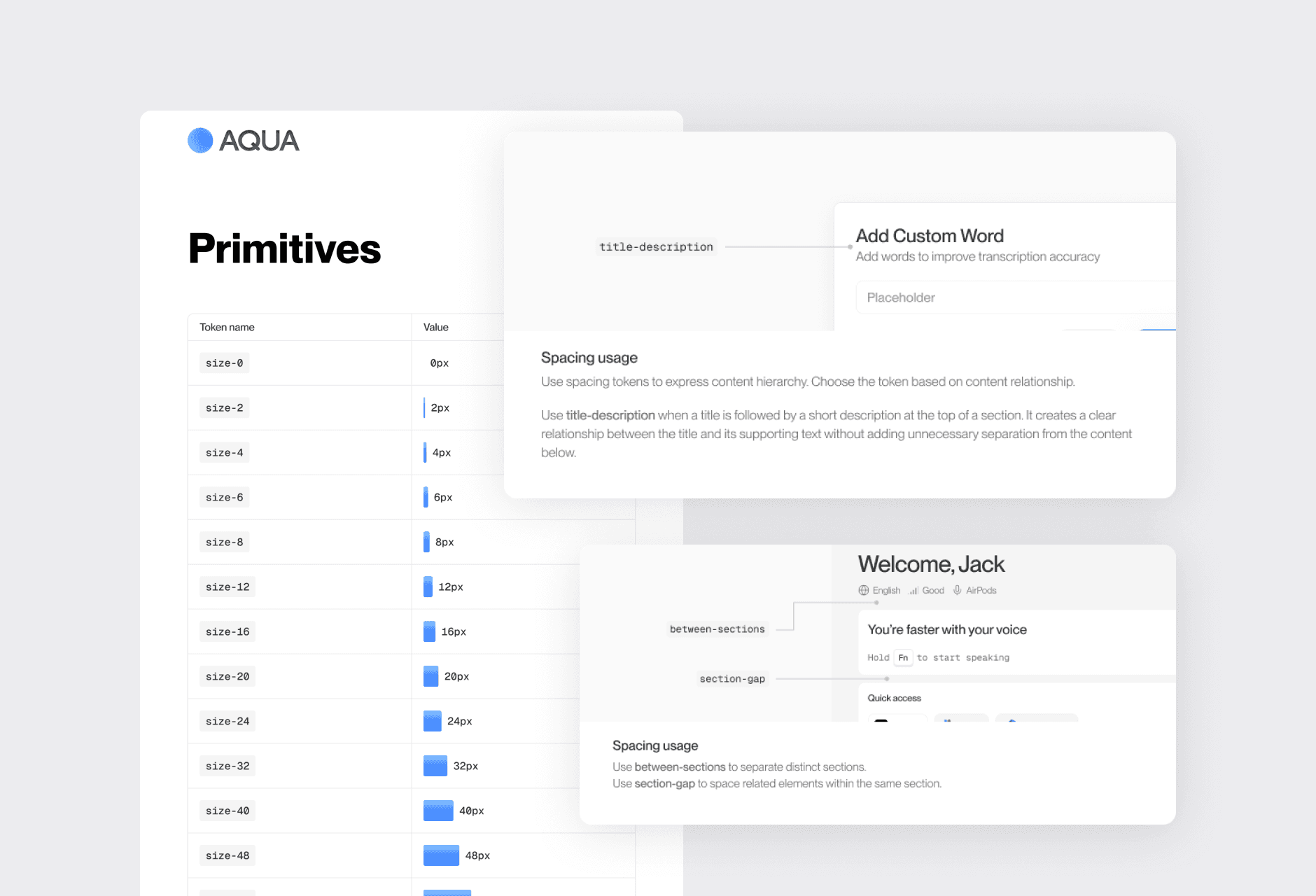
I created a structured spacing system with both primitive and semantic tokens. Each spacing value is clearly documented, with guidelines explaining when and how to use them to ensure consistency across the product.
AI documentation of components
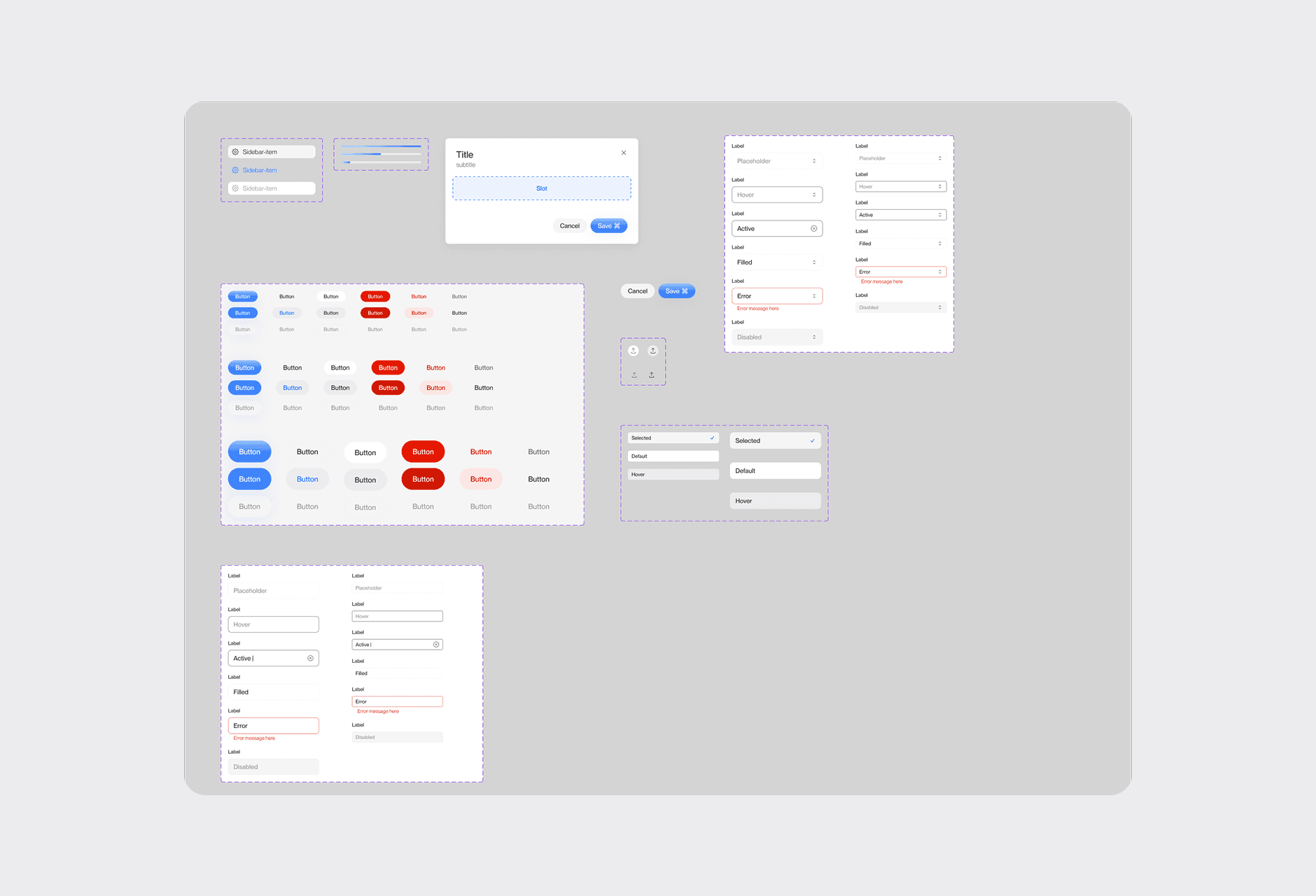
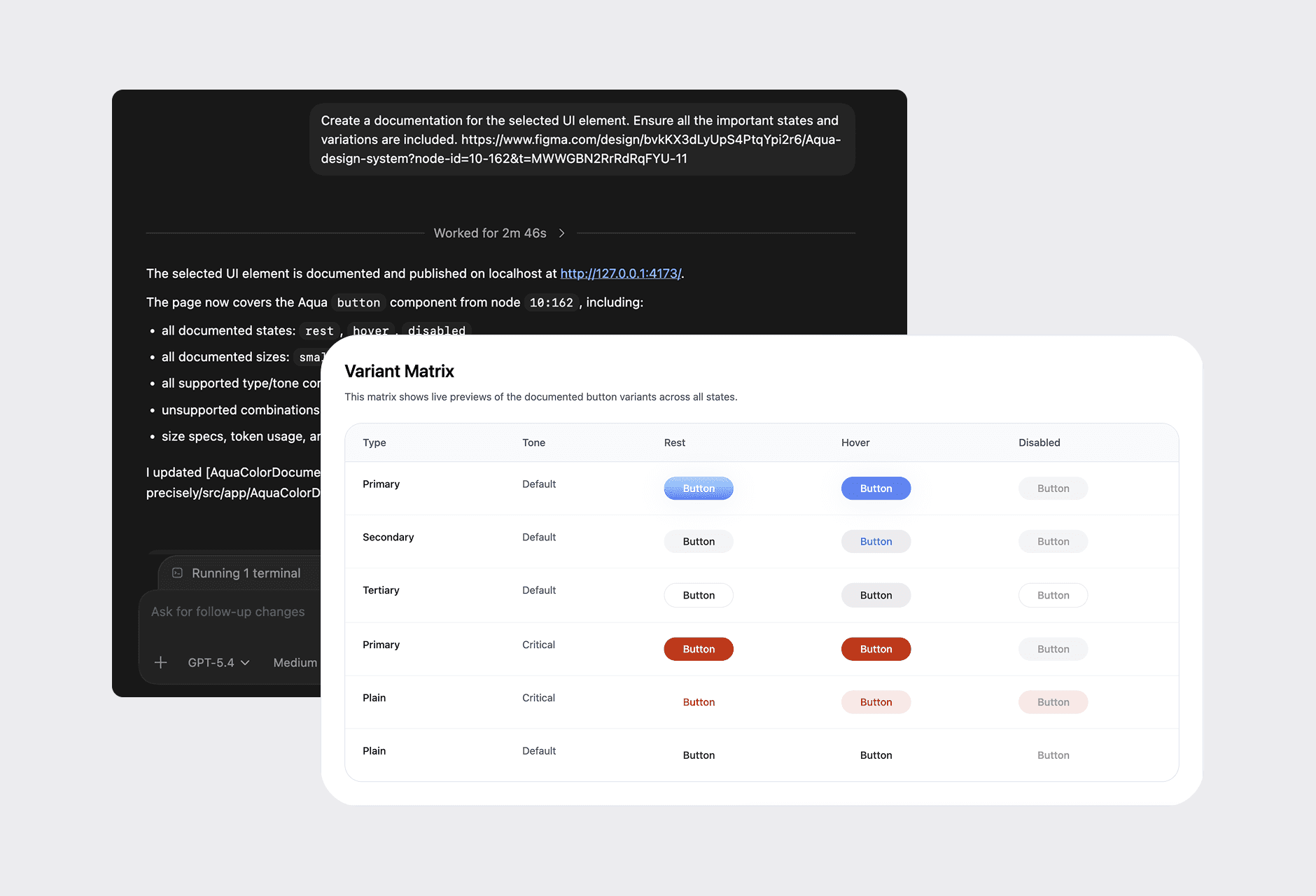
I used Codex to systematically document all possible variations of each UI element, covering different states, sizes, and configurations, ensuring every component was clearly defined.
WCAG Accessibility Compliance
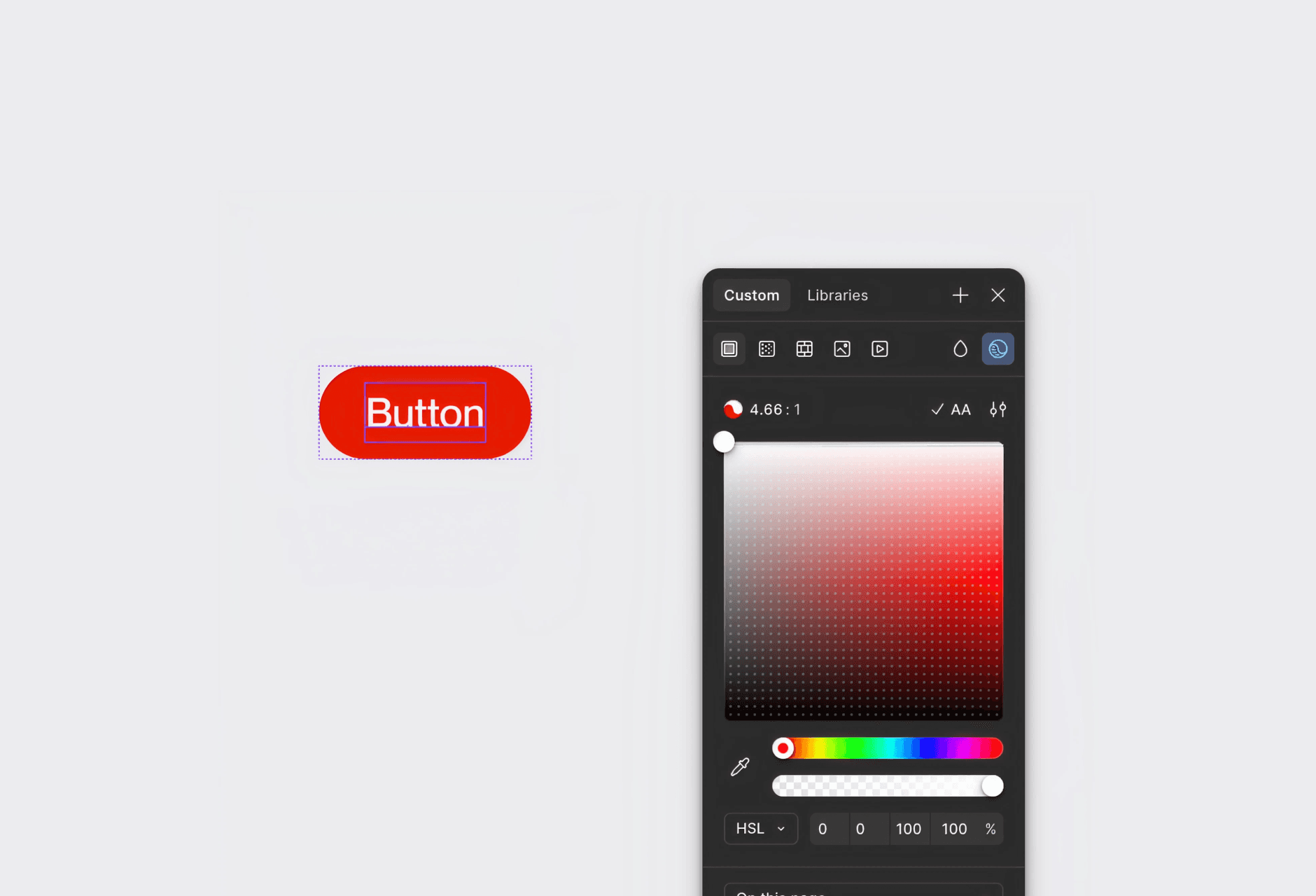
Reviewed all UI elements to ensure they meet WCAG standards, maintaining a minimum contrast ratio of 4.5:1 for clear readability and accessibility across the product.
Semantic variables documentation with AI
I've described all the semantic variables using code and created a clear documentation for developers. It includes colors, spacing, typography, components, and everything.
Usage Guidelines
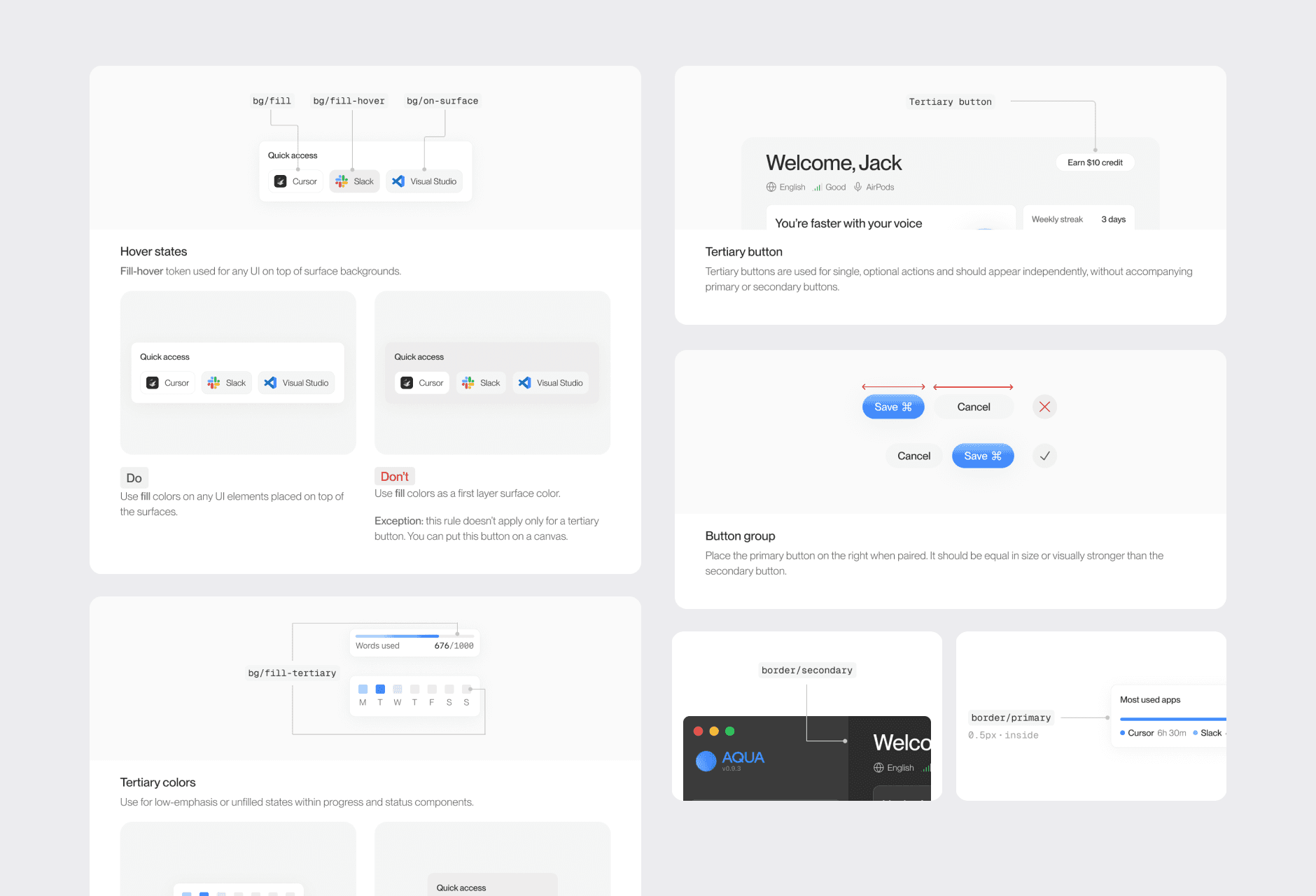
Defined clear guidelines for every token, component, and UI element, outlining how they should be used, behave, and implemented, ensuring smooth communication and alignment between designers and developers.
Results
Achieved results:
As a result, the product moved from a code-driven UI to a structured and scalable design system. I established a centralized source of truth with fully documented tokens, components, and usage guidelines, eliminating ambiguity in how UI elements should be used. A consistent set of design tokens for colors, spacing, and typography ensured visual alignment across all screens, while standardized components and states (hover, active, error, loading) brought predictable behavior and improved usability. This reduced inconsistencies, improved collaboration between design and development, and made the product easier to scale and maintain.